
BeanDish at a glance
Every module in under three minutes, each shown through a real form: sales, purchasing, inventory, Mobile Scan, e-commerce, accounting, group, analytics, automation, CRM, projects, payroll, controls and admin.
More in Getting started
 1:58
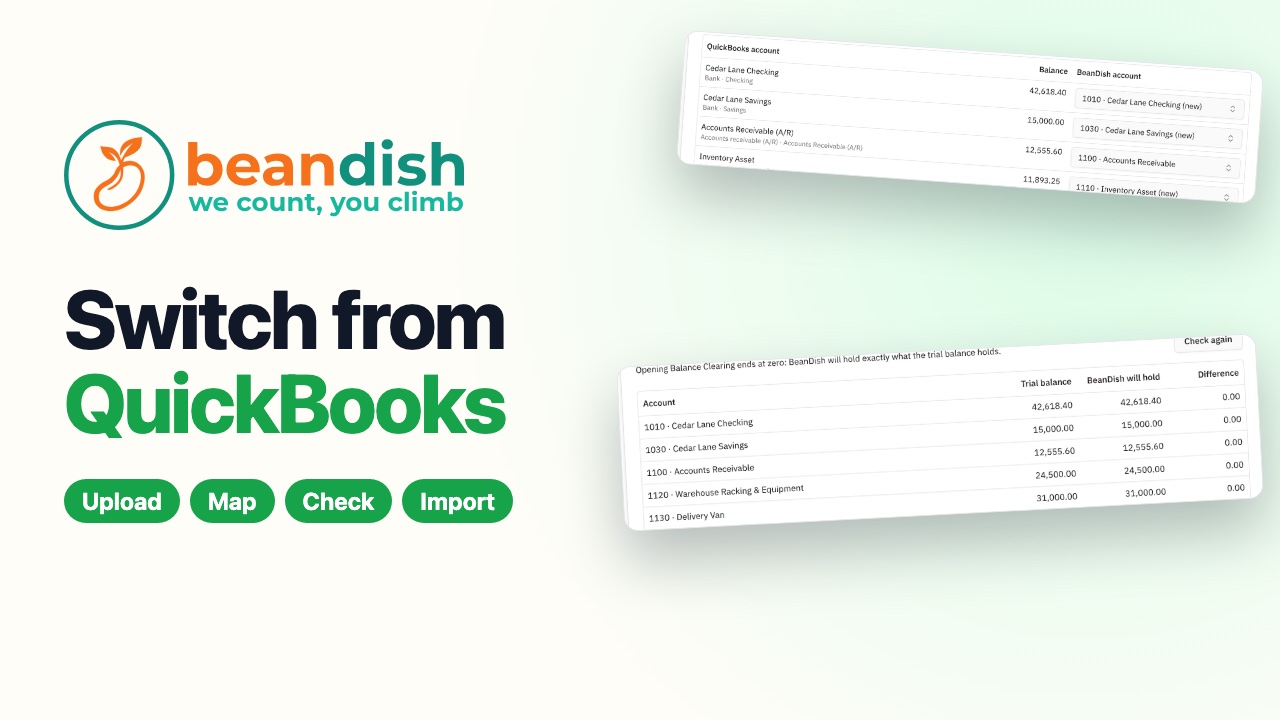
Switch from QuickBooks
Upload eight standard QuickBooks Online reports, and BeanDish maps the accounts, brings over customers, suppliers, items, open invoices, unpaid bills and stock on hand, checks every account against the trial balance to the cent, and imports it in one click.
 1:57
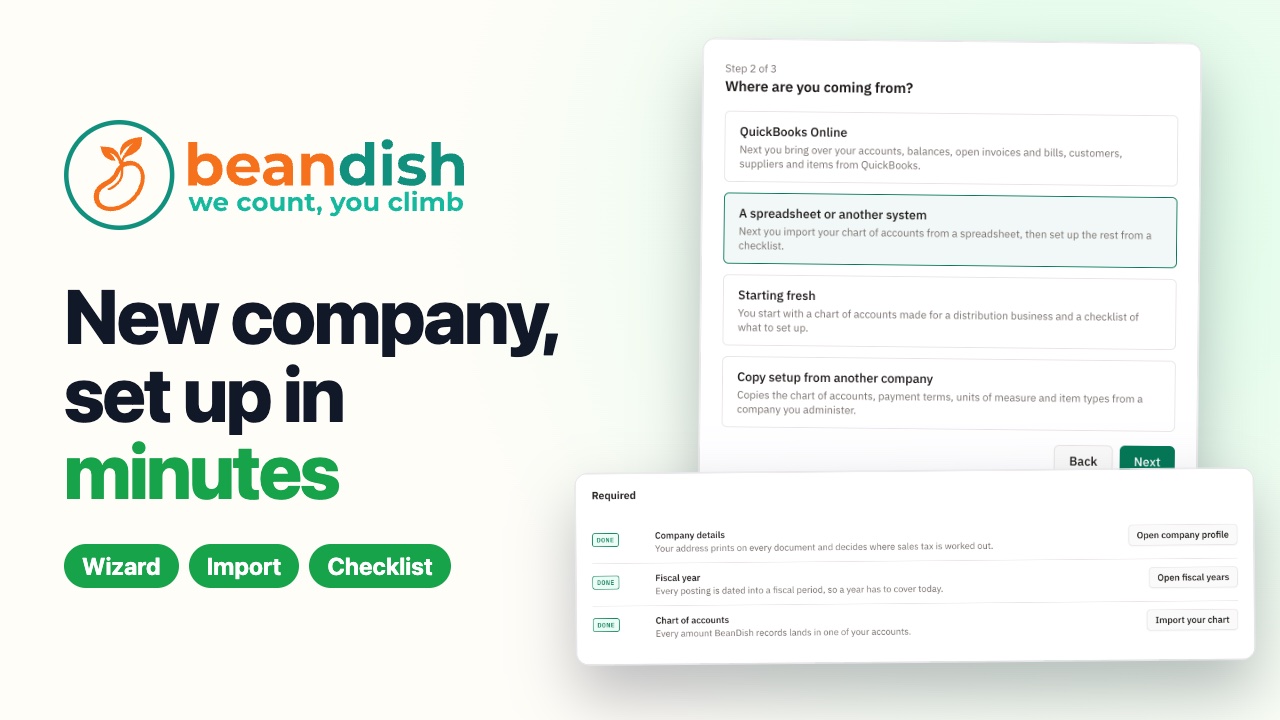
Set up a new company in minutes
A short wizard asks where you are coming from — QuickBooks, a spreadsheet, starting fresh or a copy of a company you run — then your chart of accounts comes in from a spreadsheet, and a setup checklist walks you through the rest.
 2:00
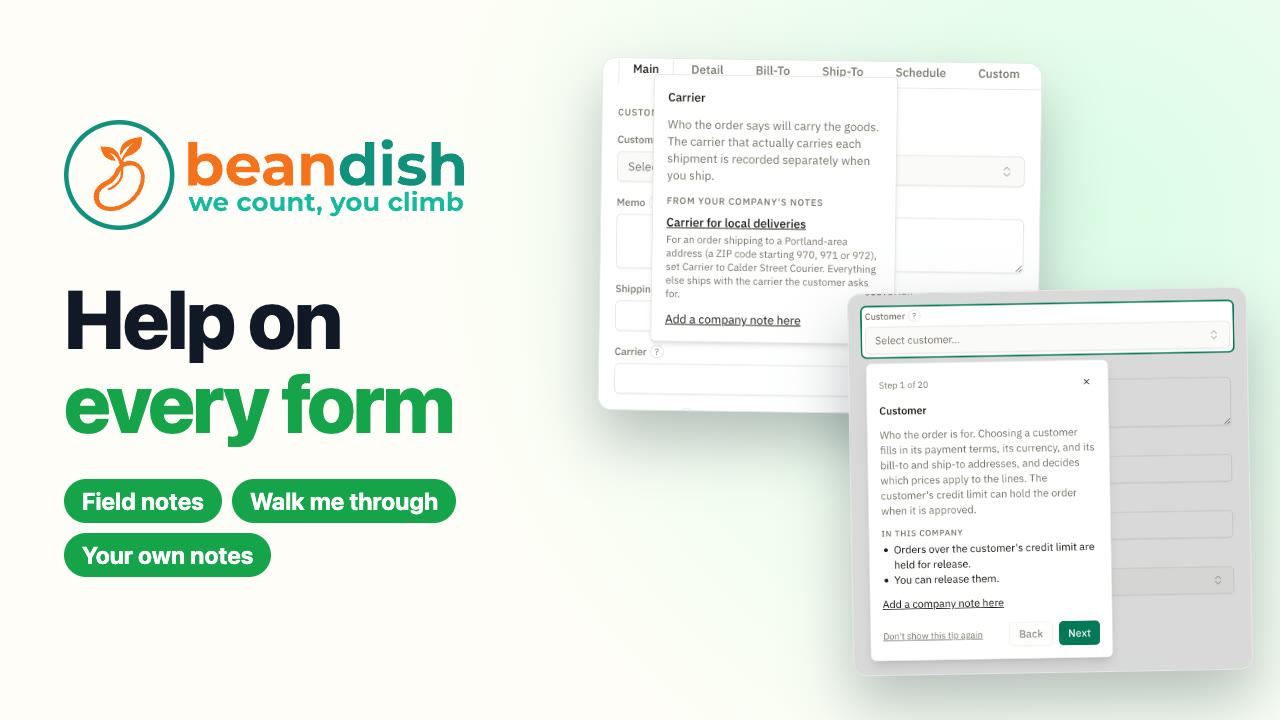
Help on every form
Every main form in BeanDish explains itself. A ? beside a field gives BeanDish's note and lines from your own company's settings. Walk me through takes you field by field, opening each tab for you, and your team's own notes can be pinned right onto a field.